High-Speed Connectivity for AI, Cloud and Enterprise Networks
数据中心
光学
Integrated laser drivers and transceiver ICs delivering high-performance, cost-effective optical connectivity solutions.
数据中心
Copper
High-performance Equalizers for low-power Active Copper Cables and PCB signal integrity applications.
Semtech's Signal Integrity portfolio powers the backbone of modern data centers with high performance analog solutions for optical and copper interconnects that enable the lowest power. Whether your infrastructure relies on optical or copper interconnects, Semtech delivers the performance needed for AI workloads, cloud computing and enterprise networking.

Optical Interconnects for Hyperscale Performance
Semtech's FiberEdge® and DirectEdge™ platforms offer industry-leading high performance analog Laser Drivers and Transimpedance Amplifiers (TIAs) for optical modules supporting Retimed and Linear Pluggable Optics (LPO) for 400G, 800G and 1.6T deployments. Our solutions support both single-mode and multi-mode fiber for AI and cloud data centers, delivering up to 50% lower power than DSP-based alternatives through advanced analog optical interconnect technology with ultra-low latency for real-time inference and distributed training.
Copper Connectivity for AI Clusters
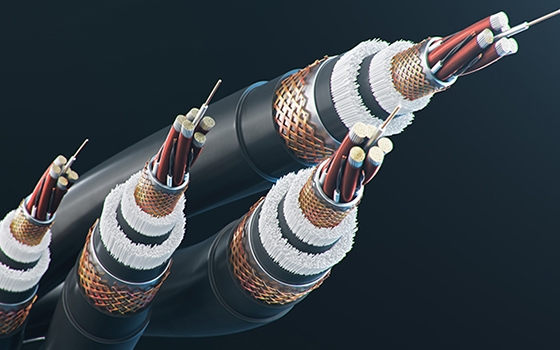
Semtech's CopperEdge™ high performance analog equalizers redefine copper interconnects with breakthrough performance, supporting 800G and 1.6T copper links. With analog architecture delivering power consumption up to 90% lower power than DSP-based AECs—and latency under 100ps, these solutions are critical for AI/ML workloads. CopperEdge is ideal for Active Copper Cables (ACC), backplanes and linecards in high-density deployments.

Why Semtech for Data Centers?
Our low-power analog PMDs for optical and copper interconnects maximize GPU density by reducing interconnect power consumption, while ultra-low latency accelerates AI training and inference.
参数搜索
| 产品总数: | 封装 | 封装尺寸 | 配置类型 | 行数 | VRWM MAX (V) | Cj(Typ)(pF) | IPP (A) at 8/20µsec | Ipp 8/20µsec 的 VClamp (V) | VBR (Min)(V) | IEC61000-4-2 (ESD) 接触放电 | IEC61000-4-2 (ESD) air discharge |
|---|
资源







.jpg)













.png)




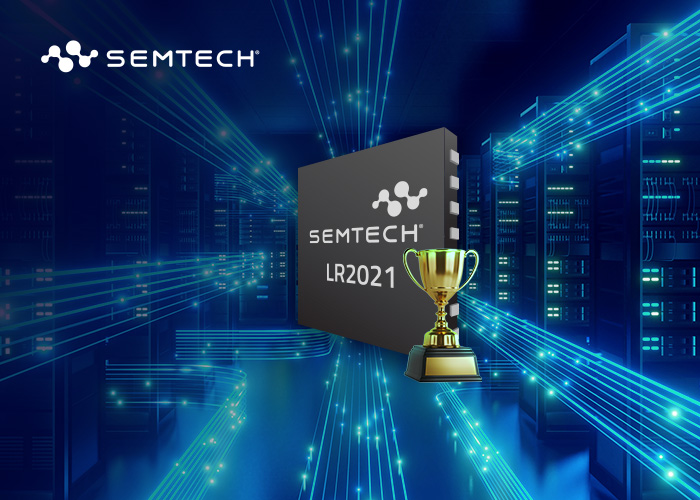
The 2026 LoRa® Global Ecosystem Forum, held during the International Internet of Things Exhibition (IOTE) 2026 in Shenzhen, once again brought together customers, ecosystem partners, developers, and media from across the industry to explore the future of LoRa technology and the continued growth of its global ecosystem. Despite challenging weather conditions in Shenzhen on the day of the event, the forum drew a strong turnout that reinforced the leadership Semtech has built across the LoRa ecosystem. Adding to the momentum, the Semtech LoRa Plus™ LR2021 received the 2026 25th IOTE Gold Award – Innovative Product Award, further validating the innovation behind this next-generation LoRa platform.
博客
IOTE Shenzhen 2026: Semtech and the LoRa Ecosystem…
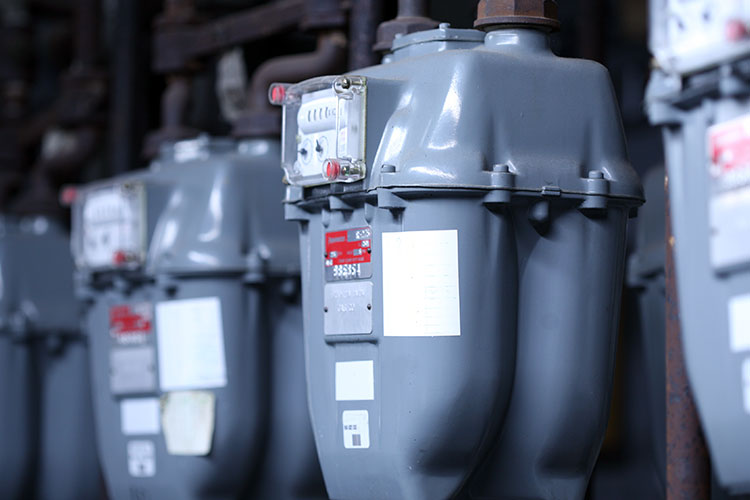
Wireless links have traditionally forced a trade-off between speed and range. High-throughput technologies such as Bluetooth and Wi-Fi can move large amounts of data quickly, but their practical range is often limited. Long-range technologies can cover much greater distances, but typically at lower data rates. Fast Long-Range Protocol (FLRP) burst is designed for the gap between these two worlds: a kilometer-class range with megabit-per-second data transfer.
博客
Fast Long-Range Protocol Burst: Megabit Speeds…
Solar panels get all the attention. But in a modern utility-scale solar installation, it is the trackers, inverters and cleaning robots that determine whether a farm meets its energy production targets. Trackers keep panels correctly oriented toward the sun, inverters convert what those panels produce into grid-usable AC power, and cleaning robots keep panel surfaces free of the dust and debris that silently erode energy yield between maintenance cycles. Between them, these three asset classes account for the majority of performance variability as well as costly failures.
博客
Closing the Solar Farm Monitoring Gap with LoRa®…
Decision-makers evaluating linear pluggable optics (LPO) want numbers, not abstractions. If you're new to LPO, start with Blog 1: What Is Linear Pluggable Optics?, then come back here for the key quantitative parameters for 200G LPO deployment: power consumption by module type, optical reach, electrical loss tolerance, and host port calibration requirements.
博客
200G 线性可插拔光学器件 (LPO) 功耗、传输距离…
Linear pluggable optics (LPO) is one of the most significant shifts in data center optical interconnect design in a decade — but the term still causes confusion. Is it a module type? A standard? A replacement for digital signal processing function or DSP-based optics entirely? This blog answers those questions from first principles.
博客
AI Data Center Basics: What Is Linear Pluggable…
The USB Type-C connector has become the universal interface of modern electronics. From laptops and smartphones to Artificial Intelligence (AI) computing platforms and industrial edge devices, USB Type-C supports both high-speed data transfer and high-wattage power delivery through a single cable. With the adoption of USB Power Delivery (USB PD) 3.1 and its Extended Power Range (EPR), (Table 1) VBUS line voltages have scaled from the familiar 20V/100W standard power range to 28V, 36V and 48V — enabling power delivery of up to 240W over a USB-C cable.
博客
Advancing VBUS Protection for 48V USB Power…

